
Guides
Connecting a domain you already own to your 9orb website
Point your existing domain at your 9orb website in a few DNS steps. Free for websites; HTTPS is issued automatically.
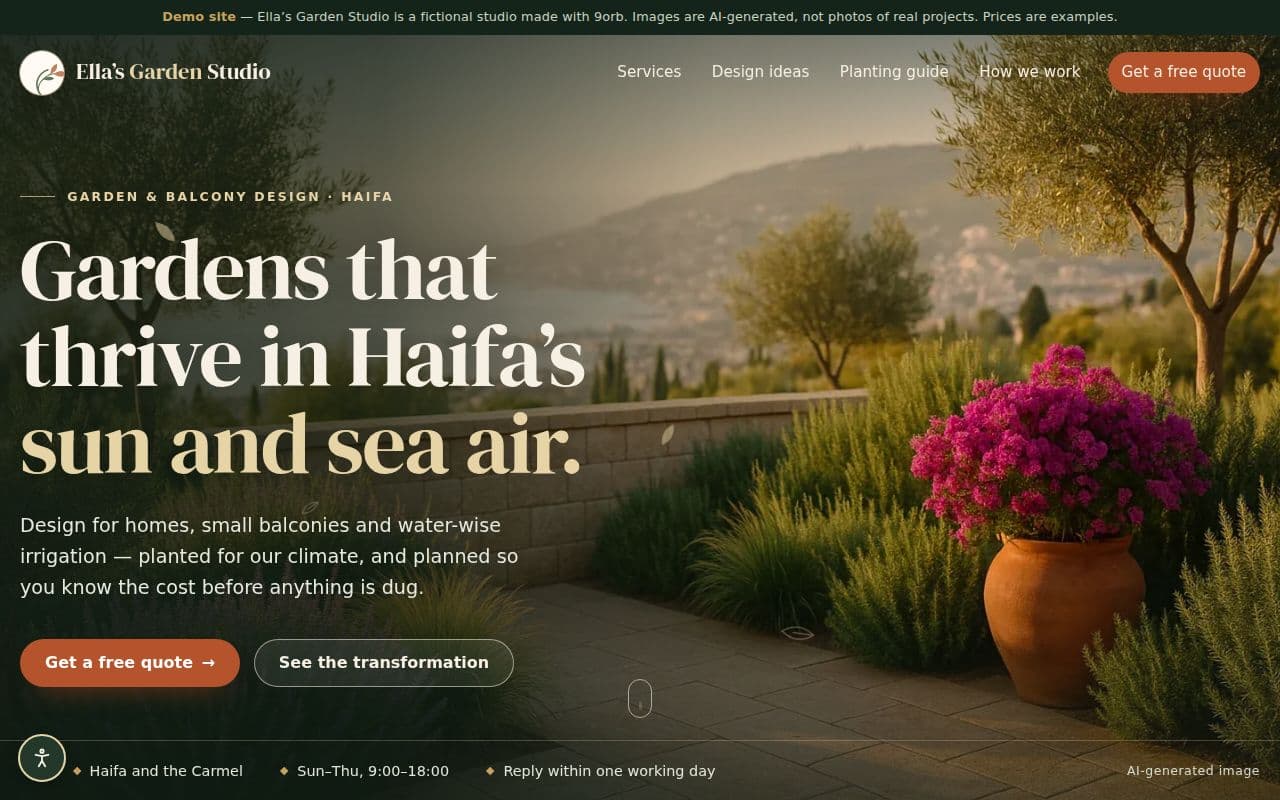
Your 9orb website is published on an address under 9orbsites.com. If you already own a domain, you can serve the same site from it. Connecting a domain to a website is free.
Before you start
- The site must be published (your project shows a live URL).
- You need access to your domain's DNS settings at the registrar or DNS host (where you bought the domain, or where its name servers point).
Steps
- Open the project in 9orb and go to Domains.
- Enter the domain, for example www.example.com or example.com, and start the connection.
- 9orb shows the DNS record to add. For a subdomain such as www it is a CNAME; for the bare domain it is the record type your DNS host supports (CNAME flattening, ALIAS, or an A record as shown on the page).
- Add the record at your DNS host and save.
- Back in 9orb, press Verify. DNS changes can take from a few minutes to a day to spread; the page tells you when the record is seen.
- Once verified, HTTPS is issued automatically and the site answers on your domain. The 9orbsites.com address redirects to it, so links already shared keep working.
Buying a domain through 9orb instead
If you do not own a domain yet, you can buy one from inside the project. The price is the registrar's price plus 9orb's service (15%), paid in purchased credits, and the domain is registered in your name for one year. It renews only if you are on the yearly 9orb plan and turned auto-renew on (charged in credits, with a reminder 30 days before); otherwise 9orb tells you before it expires.
Common problems
- The record was added but Verify still fails: check that there is no other record with the same name (an old A record for www is the usual cause) and wait a little longer.
- The domain shows a certificate warning: HTTPS is issued only after verification succeeds; until then open the 9orbsites.com address.
- Email on the domain: 9orb only changes the records it shows you; your email records are untouched.
The screenshots on this page show websites the 9orb team built with 9orb as demonstrations, not customer sites.